Local iRacing detection
The desktop app can detect a local iRacing session and connect to a WebSocket sidecar stream. That stream brings live telemetry into the same workspace used for detailed lap review.
Live telemetry
Hotlap.ai includes a live telemetry mode for drivers who want immediate context while iRacing is running. A local sidecar stream sends driving inputs and car data into the analysis workspace so current and previous laps can be reviewed without waiting for a full post-session workflow.
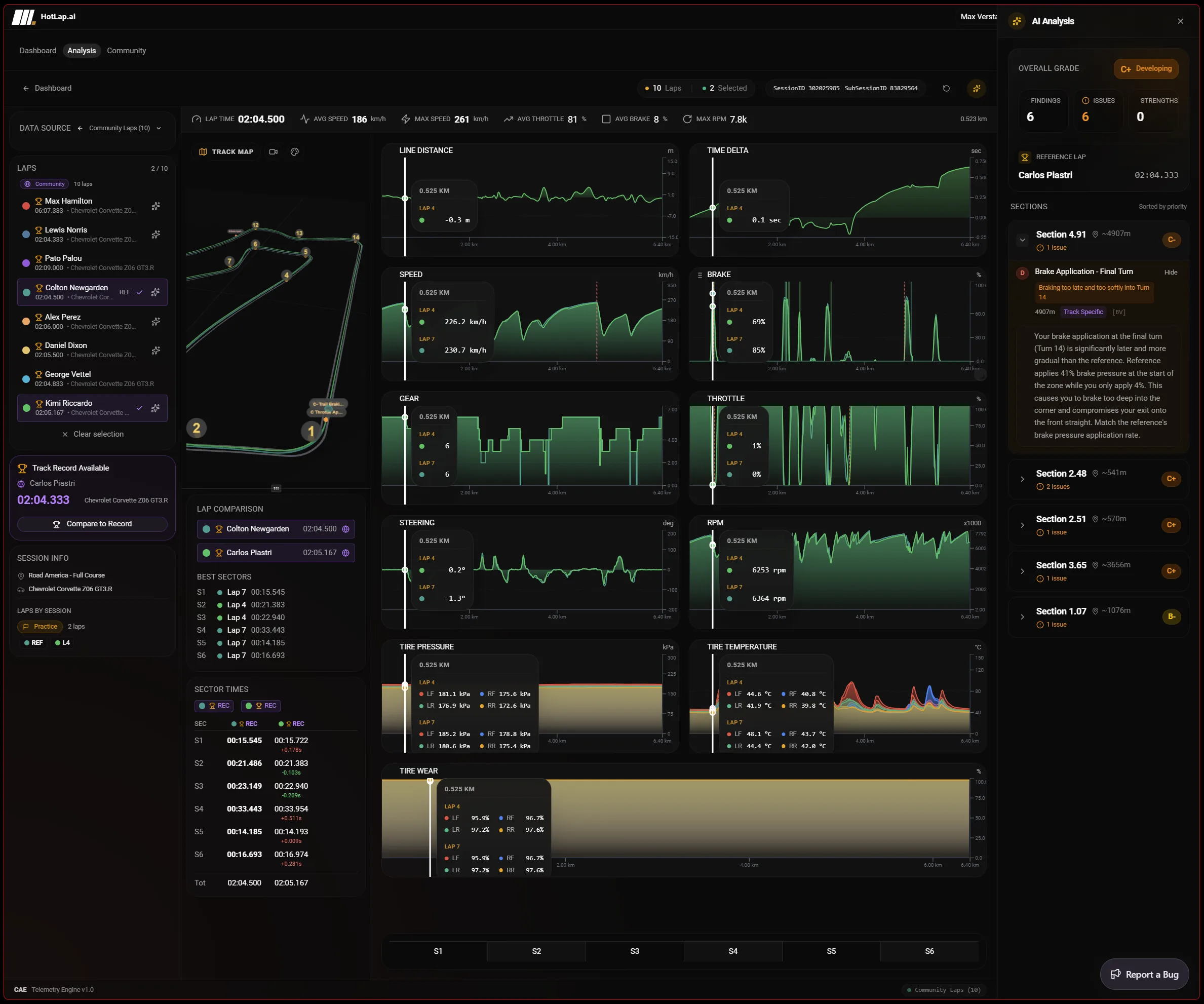
The desktop app can detect a local iRacing session and connect to a WebSocket sidecar stream. That stream brings live telemetry into the same workspace used for detailed lap review.
Live frames include speed, throttle, brake, steering, gear, RPM, GPS, ABS, tire temperatures, current lap, and previous lap context. This helps drivers see whether the data matches what they felt in the car.
The live mode is best used for immediate review and session context. The deeper AI coaching workflow still happens through lap analysis, where the app can compare data, prioritize findings, and link feedback back to charts.
A focused path from session data to the next change you can test on track.
The desktop app checks for a local iRacing session and connects to the sidecar stream when live telemetry is available.
Live frames bring in speed, pedals, steering, gear, RPM, GPS, ABS, tire temperatures, current lap, and previous lap context.
Live telemetry helps confirm what the driver is feeling while the run is still fresh, before a full post-session review.
Use completed laps for deeper comparison and AI findings once enough data exists to evaluate the lap reliably.
This page should not promise full live AI coaching. Its job is live context: seeing current inputs and car state while iRacing is active, then moving completed laps into the normal review workflow.
The user problem is memory. Live telemetry helps drivers connect what they felt in the car to the data before the session details fade.
No. Hotlap.ai supports live telemetry display and live lap context. The AI coaching workflow is focused on analysis and review, where findings can be tied back to complete lap data.
The live stream can include speed, throttle, brake, steering, gear, RPM, GPS, ABS, tire temperatures, current lap, and previous lap data when available from the session.
Use Hotlap.ai to compare the lap, understand the inputs, and leave review with one clear thing to try next.